

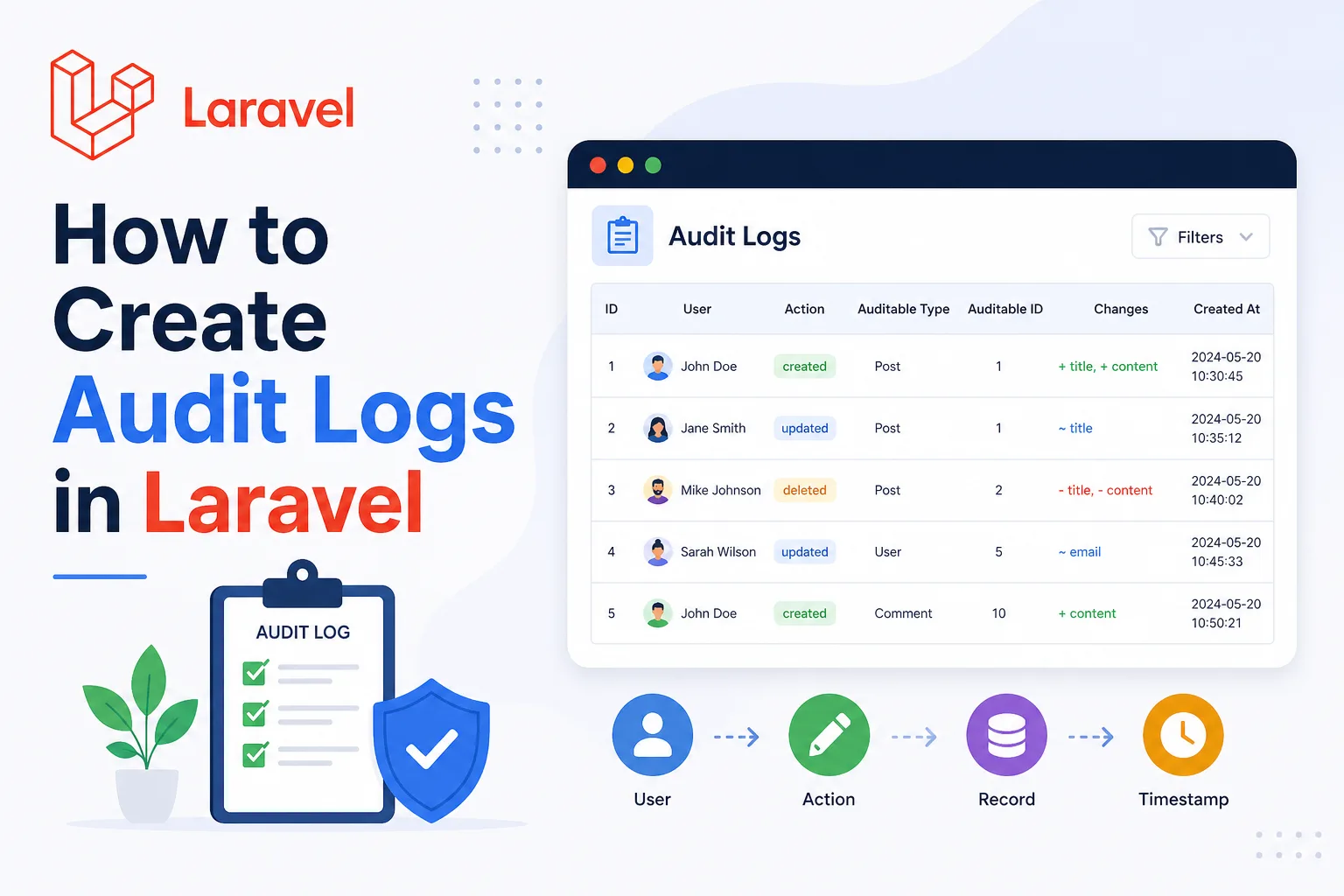
How to Create Audit Logs in Laravel (Step-by-Step Guide)
Audit logs are essential for tracking user activity, debugging issues, and maintaining security in your Laravel application. In this guide, you'll learn how to build a scalable and production-ready audit log system.
📌 What is an Audit Log?
An audit log records actions performed in your system such as:
- Who performed the action
- What was changed
- When it happened
- From where (IP address)
Example: User #1 updated Order #10 status from pending to completed.
🛠 Step 1: Create Audit Log Table
Schema::create('audit_logs', function (Blueprint $table) {
    $table->id();
    $table->foreignId('user_id')->nullable();

    $table->string('event');
    $table->string('model_type');
    $table->unsignedBigInteger('model_id');

    $table->json('old_values')->nullable();
    $table->json('new_values')->nullable();

    $table->ipAddress('ip_address')->nullable();
    $table->text('user_agent')->nullable();

    $table->timestamps();
});
Using JSON fields allows you to store flexible before/after changes.
⚙️ Step 2: Create AuditLog Model
php artisan make:model AuditLogclass AuditLog extends Model
{
protected $fillable = [
'user_id',
'event',
'model_type',
'model_id',
'old_values',
'new_values',
'ip_address',
'user_agent'
];
protected $casts = [
'old_values' => 'array',
'new_values' => 'array',
];
}🔁 Step 3: Create Auditable Trait
trait Auditable
{
    public static function bootAuditable()
    {
        static::created(function ($model) {
            self::logEvent($model, 'created');
        });

        static::updated(function ($model) {
            self::logEvent($model, 'updated');
        });

        static::deleted(function ($model) {
            self::logEvent($model, 'deleted');
        });
    }

    protected static function logEvent($model, $event)
    {
        AuditLog::create([
            'user_id' => auth()->id(),
            'event' => $event,
            'model_type' => get_class($model),
            'model_id' => $model->id,
            'old_values' => $model->getOriginal(),
            'new_values' => $model->getAttributes(),
            'ip_address' => request()->ip(),
            'user_agent' => request()->userAgent(),
        ]);
    }
}
🧩 Step 4: Use Trait in Model
class Order extends Model
{
    use Auditable;
}
Now all create, update, and delete operations will be logged automatically.
🚀 Step 5: Optimize with Queue
dispatch(function () use ($data) {
    AuditLog::create($data);
})->onQueue('logs');
This ensures your application remains fast by processing logs in the background.
🔍 Step 6: Log Only Changed Fields
$changes = $model->getChanges();

AuditLog::create([
    'old_values' => array_intersect_key($model->getOriginal(), $changes),
    'new_values' => $changes,
]);
This keeps your logs clean and reduces storage usage.
⚠️ Common Mistakes
- Logging everything without filtering
- Not using queues
- Storing unnecessary data
- No indexing on database
🎯 Conclusion
A well-designed audit log system improves debugging, security, and transparency in your Laravel application. By using model events, traits, and queues, you can build a scalable solution suitable for production.
Other Categories









All Rights Reserved © 2026