

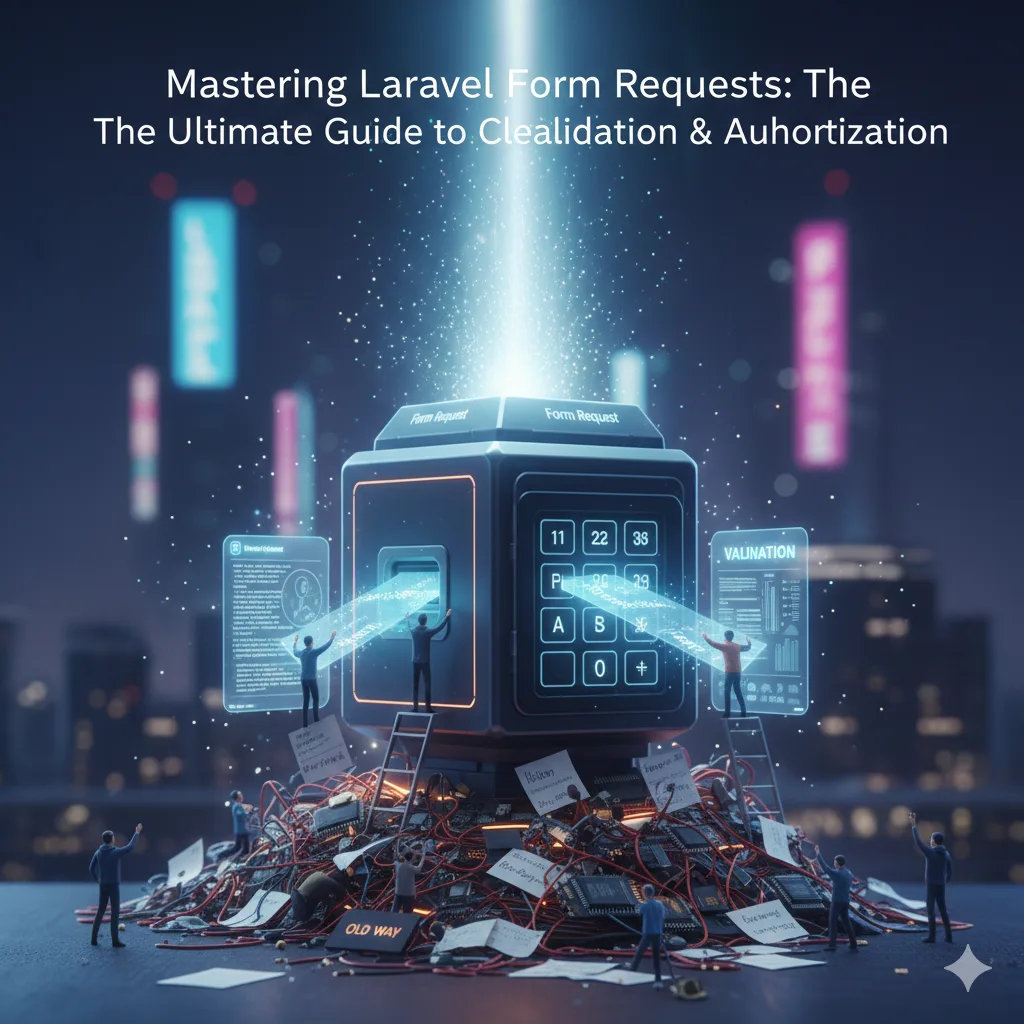
Mastering Laravel Form Requests: The Ultimate Guide to Cleaner Validation & Authorization
In the world of web development, user input is a double-edged sword. It’s essential for interactivity, but also a primary vector for errors and security vulnerabilities. As a Laravel developer, you're constantly dealing with form submissions, validating data, and ensuring users have the right permissions to perform actions. While Laravel offers robust validation out of the box, it also provides a more elegant, powerful, and maintainable solution: Form Requests.
If you've been stuffing your validation logic directly into controllers or, worse, duplicating it across multiple endpoints, then this guide is for you. We'll dive deep into Laravel Form Requests, demonstrating how they can transform your application's architecture, make your code cleaner, more secure, and significantly easier to maintain.
What Exactly Are Laravel Form Requests?
At its core, a Laravel Form Request is a custom request class that encapsulates the validation and authorization logic for a specific HTTP request. Instead of placing $request->validate() calls or manual authorization checks within your controller methods, you define these rules and checks within a dedicated Form Request class.
Think of it as a gatekeeper for your controller actions. Before any user request even reaches your controller method, the Form Request steps in to verify two crucial things:
- Validation: Is the incoming data valid according to the predefined rules (e.g., is the email format correct, is a required field present, is the password strong enough)?
- Authorization: Does the current user have the necessary permissions to perform this action (e.g., can this user update this post, are they an administrator)?
If either validation fails or authorization is denied, Laravel automatically handles the response – typically redirecting the user back with error messages or returning a JSON error for API requests – without your controller ever needing to be aware of the failure.
Why You Should Embrace Form Requests (The Unbeatable Benefits)
Adopting Form Requests in your Laravel applications offers a multitude of benefits that lead to more robust and scalable software:
-
Clean Controllers: This is arguably the most significant advantage. Your controllers become lean and focused solely on the application's business logic. Instead of being cluttered with validation arrays and authorization checks, they simply receive a validated and authorized request object, ready for processing.
// Before Form Request public function store(Request $request) { $request->validate([ 'title' => 'required|string|max:255', 'body' => 'required|string', 'user_id' => 'exists:users,id' ]); if (!Auth::user()->can('create_post')) { abort(403); } // Business logic... } // After Form Request public function store(StorePostRequest $request) { // Business logic... clean and simple! } - Separation of Concerns: Form Requests enforce a clear separation between data validation/authorization and application logic. This makes your codebase easier to understand, navigate, and modify.
- Reusability: If multiple endpoints or forms share similar validation or authorization rules (e.g., a 'create post' form and an 'update post' form might have overlapping validation rules), you can reuse the same Form Request, or extend a base Form Request.
- Improved Testability: With validation and authorization logic isolated in their own classes, it becomes much simpler to write unit tests specifically for these concerns, without needing to spin up entire controller tests.
- Enhanced Security: Centralizing your input validation significantly reduces the risk of common vulnerabilities like SQL injection or cross-site scripting (XSS) by ensuring all incoming data conforms to expected formats and types before it even touches your database.
- Better Maintainability: When a validation rule changes, you know exactly where to update it – within the relevant Form Request. This prevents scattered validation logic that can be a nightmare to track down and update in larger applications.
- Consistency: Ensures that all related requests adhere to the same set of rules, leading to a more predictable and robust application state.
Getting Started: Creating Your First Form Request
Creating a Form Request is straightforward using Laravel's Artisan CLI:
php artisan make:request StorePostRequestThis command will generate a new file in app/Http/Requests/StorePostRequest.php. Let's look at its basic structure:
<?php

namespace App\Http\Requests;

use Illuminate\Foundation\Http\FormRequest;

class StorePostRequest extends FormRequest
{
    /**
     * Determine if the user is authorized to make this request.
     *
     * @return bool
     */
    public function authorize()
    {
        return false; // <-- IMPORTANT: Change this to true or add authorization logic
    }

    /**
     * Get the validation rules that apply to the request.
     *
     * @return array
     */
    public function rules()
    {
        return [
            //
        ];
    }
}
You'll notice two key methods: authorize() and rules(). Let's explore them.
The rules() Method: Defining Your Validation Logic
The rules() method is where you define the validation rules for the incoming request data. It should return an array where keys are the names of the input fields and values are the validation rules. Laravel's validation system is incredibly rich, offering a wide array of built-in rules.
public function rules()
{
    return [
        'title' => 'required|string|min:5|max:255|unique:posts,title',
        'body' => 'required|string|min:10',
        'category_id' => 'required|integer|exists:categories,id',
        'tags' => 'sometimes|array',
        'tags.*' => 'string|max:50', // Validate each item in the tags array
        'image' => 'nullable|image|mimes:jpeg,png,jpg,gif|max:2048', // 2MB max
    ];
}
In this example, we're ensuring the title is required, a string between 5 and 255 characters, and unique in the posts table. The body also has length constraints. category_id must be an integer and exist in the categories table. tags is optional but if present, must be an array, and each tag must be a string. The image field is optional, but if provided, must be an image, of allowed mime types, and less than 2MB.
You can also define rules as arrays for better readability or when using custom rules:
public function rules()
{
    return [
        'email' => [
            'required',
            'string',
            'email',
            'max:255',
            'unique:users,email,'. $this->user_id, // Example for update, ignoring current user's email
        ],
        'password' => ['required', 'string', 'min:8', 'confirmed'],
    ];
}
The authorize() Method: Securing Your Endpoints
The authorize() method determines if the currently authenticated user is permitted to make the request. By default, it returns false, meaning no one is authorized. It's crucial to change this!
For simple cases, you might just return true if no specific authorization is needed beyond being logged in. However, for most applications, you'll want to add logic to check user roles, permissions, or ownership of resources.
public function authorize()
{
    // Option 1: Basic check - Is the user logged in?
    // return auth()->check();

    // Option 2: Check if the user is an admin
    // return auth()->user()->isAdmin();

    // Option 3: Check if the user owns the resource they are trying to update
    // For an 'UpdatePostRequest', assuming route has {post} parameter
    // return $this->user()->id === $this->route('post')->user_id;

    // Option 4: Using Laravel Gates (Recommended for simpler permissions)
    // return auth()->user()->can('update', $this->route('post'));

    // Option 5: Using Laravel Policies (Recommended for complex authorization)
    return auth()->user()->can('create', Post::class);
}
If authorize() returns false, Laravel will automatically throw an Illuminate\Auth\Access\AuthorizationException, resulting in a 403 Forbidden HTTP response, without ever executing your controller logic. This is a powerful security feature!
Integrating Form Requests into Your Controllers
Once you've defined your Form Request, integrating it into your controller is remarkably simple. Instead of type-hinting the generic Illuminate\Http\Request, you type-hint your custom Form Request class:
namespace App\Http\Controllers;

use App\Http\Requests\StorePostRequest;
use App\Models\Post;

class PostController extends Controller
{
    public function store(StorePostRequest $request)
    {
        // At this point, the request is guaranteed to be validated and authorized.
        // You can directly access the validated data using $request->validated().
        $post = Post::create($request->validated());

        return redirect()->route('posts.show', $post)->with('success', 'Post created successfully!');
    }

    public function update(UpdatePostRequest $request, Post $post)
    {
        $post->update($request->validated());

        return redirect()->route('posts.show', $post)->with('success', 'Post updated successfully!');
    }
}
Laravel's service container automatically resolves the StorePostRequest instance. Before injecting it into your controller method, it runs the authorize() and rules() methods. If everything passes, your controller method gets executed. If not, Laravel gracefully handles the error response.
Customizing Error Messages
By default, Laravel provides sensible validation error messages. However, you often need more user-friendly or specific messages. You can customize these by overriding the messages() method in your Form Request:
public function messages()
{
    return [
        'title.required' => 'A post title is absolutely necessary!',
        'title.unique' => 'This title has already been taken. Please choose another.',
        'body.min' => 'The post content must be at least :min characters long. Get writing!',
        'category_id.exists' => 'The selected category does not exist.',
        'image.max' => 'The image cannot be larger than 2MB. Try a smaller image.',
    ];
}
You can also define custom attribute names for your validation messages using the attributes() method, which can make generic messages more readable:
public function attributes()
{
    return [
        'body' => 'post content',
        'category_id' => 'category',
    ];
}
// Instead of "The category_id field is required.", it would say "The category field is required."
Advanced Form Request Techniques
Laravel Form Requests offer even more power for complex scenarios:
-
Nested Validation: For complex inputs like arrays of objects, Laravel supports nested validation rules using dot notation (e.g.,
items.*.name,products.*.quantity). -
Stopping on First Failure: If you want validation to stop immediately after the first failure for a field, you can set the
$stopOnFirstFailureproperty totruein your Form Request class.protected $stopOnFirstFailure = true; - Custom Validation Rules: Integrate your custom validation rules seamlessly within your Form Requests.
-
The
after()Method: This method allows you to add custom validation logic that runs *after* all other rules have passed. It's useful for cross-field validation or more complex business rules that depend on multiple validated inputs.public function after(): array { return [ function (Validator $validator) { if ($this->has('start_date') && $this->has('end_date') && $this->start_date > $this->end_date) { $validator->errors()->add( 'end_date', 'The end date must be after the start date.' ); } } ]; } -
prepareForValidation(): Sometimes you need to manipulate or add data to the request *before* validation runs. This method is perfect for that. For example, trimming strings, casting types, or adding default values.protected function prepareForValidation() { $this->merge([ 'slug' => Str::slug($this->title), 'user_id' => $this->user()->id, ]); }
Best Practices for Form Requests
- Single Responsibility: Each Form Request should ideally handle validation and authorization for a single, specific action (e.g.,
StorePostRequest,UpdateUserRequest). - Don't Overload `authorize()`: While you can put complex authorization logic here, for highly complex or reusable authorization, consider using Laravel Policies and call them from your `authorize()` method.
- Descriptive Naming: Name your Form Request classes clearly, indicating their purpose and the action they validate for.
- Keep it Lean: While powerful, avoid putting unrelated business logic inside Form Requests. Their primary role is input validation and authorization.
Conclusion
Laravel Form Requests are more than just a convenience; they are a fundamental building block for writing robust, secure, and maintainable Laravel applications. By externalizing your validation and authorization concerns, you unlock cleaner controllers, improved testability, and a more enjoyable development experience.
If you haven't fully embraced Form Requests yet, now is the time. Start integrating them into your projects today, and witness the transformation of your codebase. Your future self (and your teammates) will thank you for the clarity and consistency they bring.
Other Categories









All Rights Reserved © 2026